Overview
What is MiniMost?
MiniMost is a lightweight, self-hosted team chat platform designed for private
networks. It provides a Slack-like chat experience with zero external
dependencies — no PostgreSQL, no Redis, no message broker, no Docker required.
The entire application is a Python package that you can install with pip
and run with a single command.
The design philosophy is intentional minimalism: MiniMost aims to be the simplest possible thing that actually works for a small team. It will never compete feature-for-feature with Slack or Mattermost. What it offers is something those tools cannot: a single self-contained binary equivalent that runs on any machine with Python 3.6+, stores its data in plain SQLite files that you can inspect with any SQLite browser, and requires no configuration to get started.
Screenshots
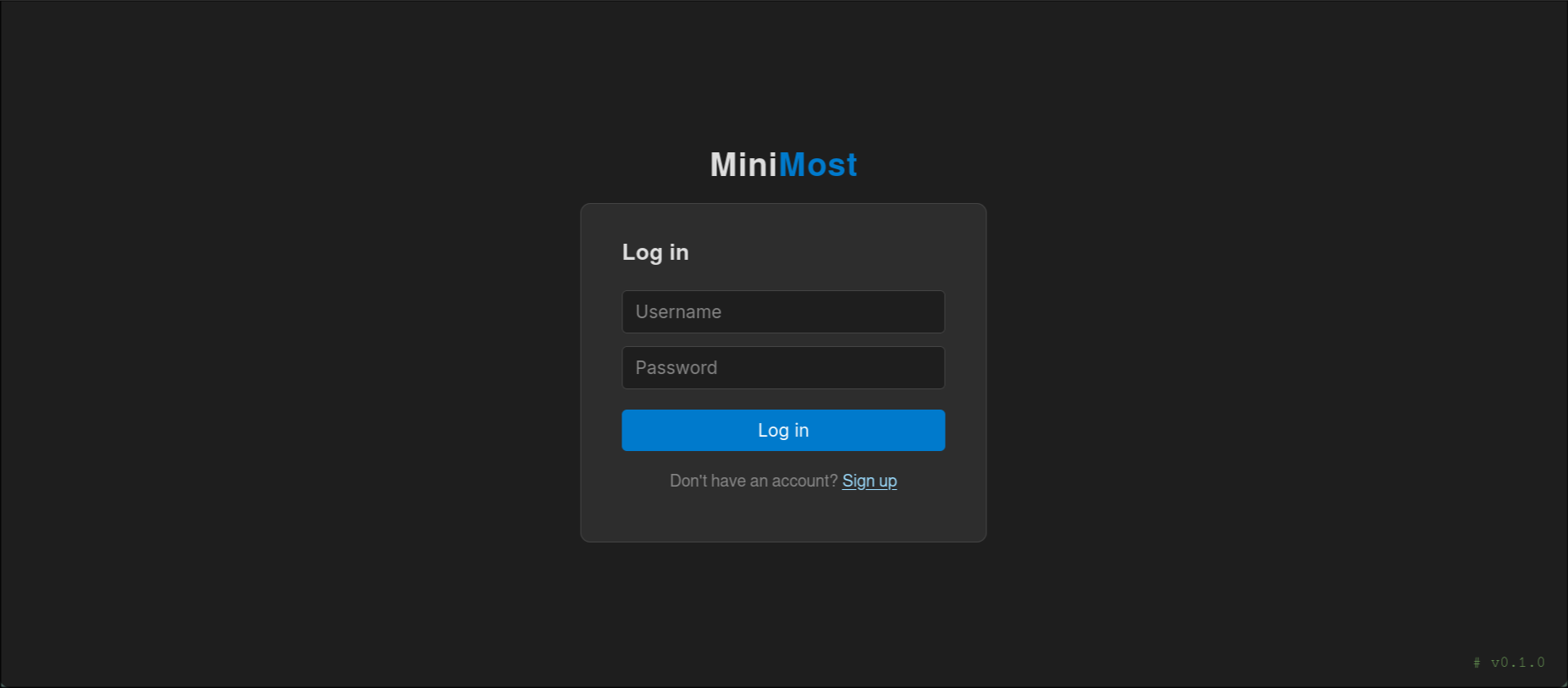
The login page — clean, minimal, and version-tagged.
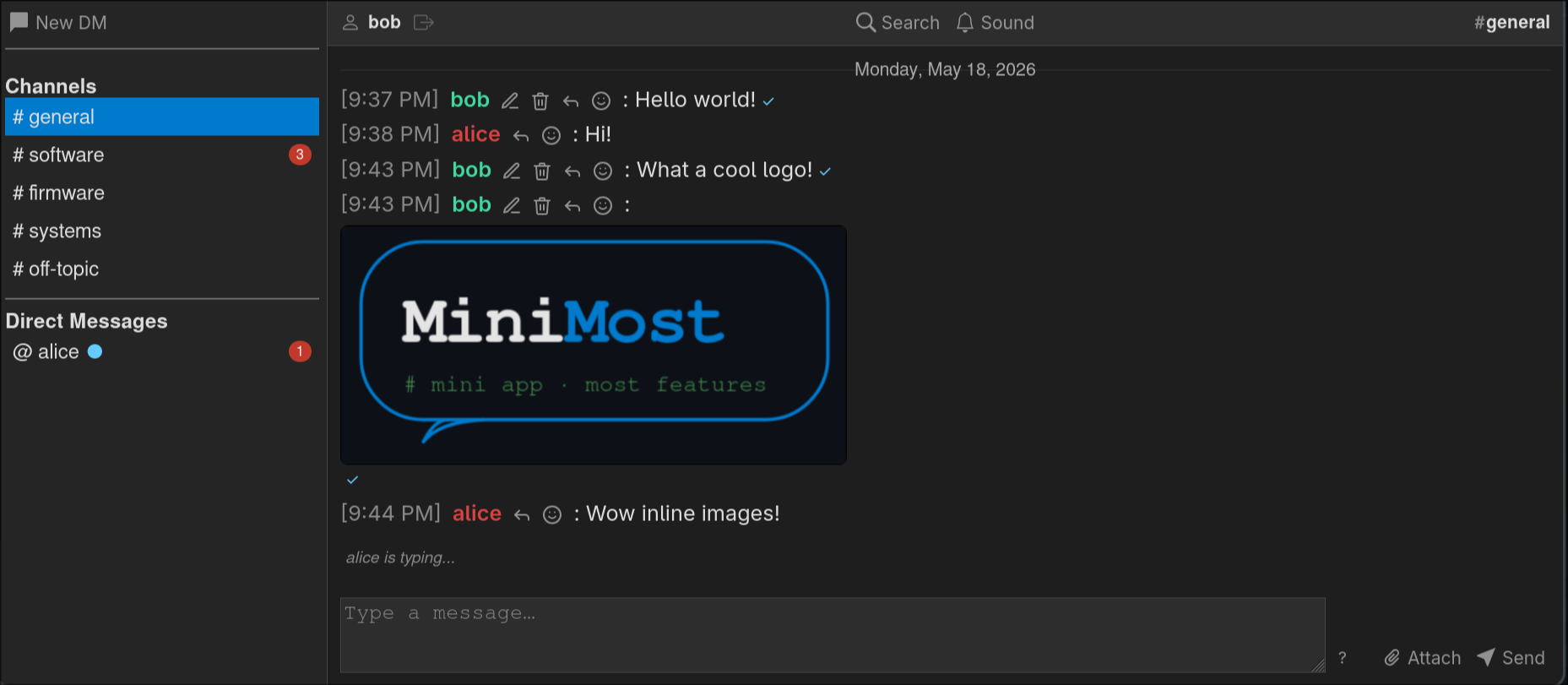
The main chat interface — channel list, direct messages, inline image attachments, and real-time typing indicators.
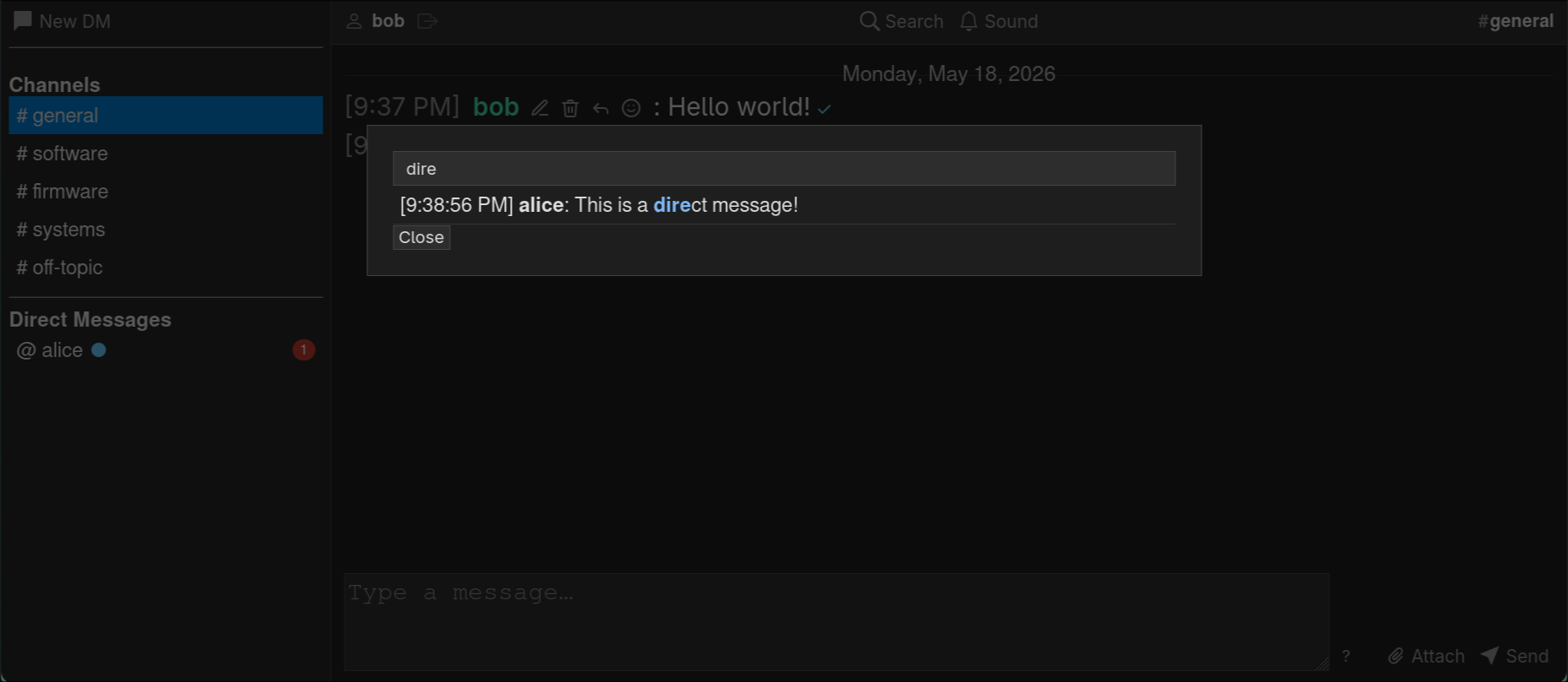
Full-text message search with highlighted results.
Features
Messaging
Public channels — configurable via
channels.json; visible to all users.Private channels — invite-only rooms; members can be added or removed, the channel can be renamed (with a system message recording each rename), and any member can leave at any time.
Direct messages — private one-on-one or group conversations. DM threads can be closed (hidden from the sidebar) with a single click; they reappear automatically when a new message arrives.
Message history — persistent and searchable; new users see the full public channel history from their first login.
Replies & threading — quote any message to reply in context; the parent message is shown inline above the reply.
Edit & delete — users can edit or soft-delete their own messages; changes propagate to all recipients in real time.
Full-text search — search across all message content with fuzzy matching and highlighted results.
Real-time Interaction
Voice calling — one-click calls directly in any DM or private channel. Audio streams peer-to-peer over WebRTC (
RTCPeerConnection) for low-latency, real-time voice; only the call’s setup signalling passes through the server. Unanswered calls time out and cancel automatically.Group calling — any participant in an active call can invite additional registered users via an in-call “Add person” button with fuzzy-search. Participants join or leave independently; the call ends only when the last person leaves. Group calls form a WebRTC full mesh (one peer connection per pair). Avatar tiles reflow dynamically: one caller fills the panel, two split 50/50, three or more tile in a grid. Each tile shows an independent speaking-ring animation driven by per-participant voice activity detection, and your own microphone button shows a live input-level meter.
Screen sharing — share your screen peer-to-peer over WebRTC, either during a call or standalone in any DM/private channel. Standalone shares are viewer-initiated (each viewer offers, the sharer answers with its screen track), supporting one sharer to many viewers.
LAN-first, zero-config WebRTC — media never touches the server. ICE uses only host candidates plus a small bundled STUN server (
minimost.stun, pure standard library), so peers gather a real-IP server-reflexive candidate and connect without any external/public STUN/TURN server and without relying on mDNS — it works on fully air-gapped LANs out of the box.Emoji reactions — react to any message with one of 477 emoji; reactions are toggled atomically and sync instantly across all users.
@mentions — typing
@opens a fuzzy-search dropdown of the current channel’s members (DM participants, private-channel members, or every other user for public channels). Mentions are validated server-side and stored in the message’smentionscolumn; a mentioned user sees the message highlighted and receives a sound and desktop notification — honoring their notification toggles — even while the page is focused. The reserved keyword@everyonementions the whole channel.Typing indicators — see when other users are composing a message.
Read receipts — checkmark indicators showing who has read each message.
Presence indicators — active, idle, hidden, and offline states updated automatically based on tab visibility and user activity; overlaid as a small dot on each user’s avatar.
Media
Image attachments — paste from clipboard, drag-and-drop, or use the paperclip button; supports JPEG, PNG, GIF, and WebP.
Link previews — automatically generated preview cards for URLs, with special support for Bitbucket Cloud and Bitbucket Server code file URLs (showing the file content with line-number highlighting).
Syntax highlighting — code previews and inline code blocks are highlighted for Python, JavaScript, C, shell scripts, and more.
Interface
Single-page application — the entire chat interface is a zero-framework vanilla JavaScript SPA that loads once and polls for updates.
User avatars — every account has a circular avatar showing the user’s first two initials by default. Users can upload a custom image via the Settings menu; images are resized client-side to 128 × 128 px before upload. Avatars appear in the DM sidebar, private channel hover tooltips, and the member list modal.
User settings — the settings cog (top-right, next to Logout) opens a modal for choosing a display name colour from a palette of presets and for managing the profile avatar.
Dark theme — easy on the eyes by default.
Keyboard shortcuts — Vim-inspired navigation, formatting shortcuts, and quick-access commands; see Keyboard Shortcuts.
Mobile responsive — full drawer sidebar, touch-friendly layout, and pinch-to-zoom font sizing.
Desktop notifications — browser push notifications when a new message arrives and the tab is in the background; an
@mentionnotifies you even while the tab is focused. Mutable per session.Sound notifications — configurable audio alerts: new messages, incoming calls, call answered, hang-up, and participant-left tones; all mutable with one click. An
@mentionplays the new-message alert even when the tab is focused.
Security
Password hashing with PBKDF2 (Werkzeug).
Enforced password complexity on both frontend and backend.
3-second delay on failed login attempts (brute-force protection).
Per-user isolated SQLite databases.
Parameterized SQL queries throughout.
SSRF protection on link preview fetching (allowlist, private-range block, DNS resolution check).
SAST scanning with Bandit, Semgrep, CodeQL, and SonarCloud; dependency CVEs audited with pip-audit.
Technical Stack
Component |
Technology |
|---|---|
Web framework |
|
Database |
SQLite (standard library |
Password hashing |
Werkzeug (installed as a Flask dependency) |
Frontend |
Vanilla JavaScript (ES6+), no framework |
Styling |
Plain CSS, dark theme |
Templating |
Jinja2 (Flask default) |
Calling media transport |
WebRTC peer-to-peer ( |
TLS certificates |
Auto-generated on first run via system |
Production server |
Gunicorn (optional, recommended for multi-user deployments) |
Python requirement |
Python 3.6 or later |
Project Structure
minimost/
├── pyproject.toml              # Package metadata and dependencies
├── gunicorn.conf.py            # Production WSGI server configuration
├── channels.json               # Public channel definitions
├── secret.key                  # Auto-generated Flask session secret
├── cert.pem                    # Auto-generated TLS certificate (self-signed)
├── key.pem                     # Auto-generated TLS private key
├── auth.db                     # Shared authentication database
├── presence.db                 # Shared real-time state database (incl. call state)
├── uploads/                    # Image attachment storage
├── avatars/                    # User avatar image storage
├── users/                      # Per-user SQLite message databases
│   └── {username}.db
└── src/minimost/
    ├── __init__.py             # Flask app factory
    ├── __main__.py             # CLI entry point
    ├── auth.py                 # Authentication routes & utilities
    ├── calls.py                # Voice/video calling: lifecycle + WebRTC signalling
    ├── stun.py                 # Bundled stdlib STUN server for LAN WebRTC
    ├── chat.py                 # Messaging routes & channel logic
    ├── presence.py             # Presence, typing, reactions
    ├── common.py               # Database path helpers
    ├── database.py             # Schema bootstrap (auth.db)
    ├── preview.py              # Link preview generation
    ├── clean.py                # Image retention cleanup utility
    ├── templates/
    │   ├── login.html
    │   ├── signup.html
    │   ├── forgot_password.html
    │   └── chat.html           # Main SPA template
    └── static/
        ├── auth.css
        └── styles.css
Limitations and Non-goals
MiniMost is intentionally minimal. The following are explicit non-goals:
End-to-end encryption — messages are stored in plaintext in SQLite files. An administrator with filesystem access can read all messages. Treat this as an internal LAN tool, not a secure messenger.
Self-service password reset — there is no email-based reset flow. An administrator generates a one-time reset URL via the CLI; the user cannot initiate a reset themselves.
Role-based access control — all registered users have the same permissions; there are no admin accounts, channel moderation roles, or invite-only channels.
Message retention policies — the database grows indefinitely (images are cleaned up by
clean.py, but message rows are never deleted).Federation or multi-server — MiniMost is a single-server application with no inter-server protocol.
Webhooks or integrations — there is no bot API or incoming webhook support in the current version.
FAQ
How many users can it support?
MiniMost is designed for small teams — typically 2–50 users on a local network. SQLite performs well for this workload, especially with WAL mode enabled. For larger deployments, Gunicorn with multiple workers is recommended.
What happens to messages if the server restarts?
Nothing — all messages are durably written to SQLite before the route
handler returns. The only state lost on restart is the in-process link
preview cache (preview.py).
Can I back up the data?
Yes. The entire state of the application lives in:
auth.db— credentials and user settings (name colour, avatar filename)presence.db— reactions and read receipts (transient state)users/*.db— all message historyuploads/— image attachmentsavatars/— user profile avatar images
A simple filesystem backup of the project directory is sufficient.